
obsidian
Obsidian is a note-taking app for PKM. I currently use it to manage my hoard of work notes. It’s a step up from Notion.
If you want your writing to still be readable on a computer from the or , we think it’s important that [your notes] can be read on a computer from the .
—
, The new Obsidian icon () Steph Ango
personal setup
| hot-reload | reload plugins during development |
| kanban | かんばん |
| minimal | theme |
| note-locker | lock notes |
| numerals | math code block calculators |
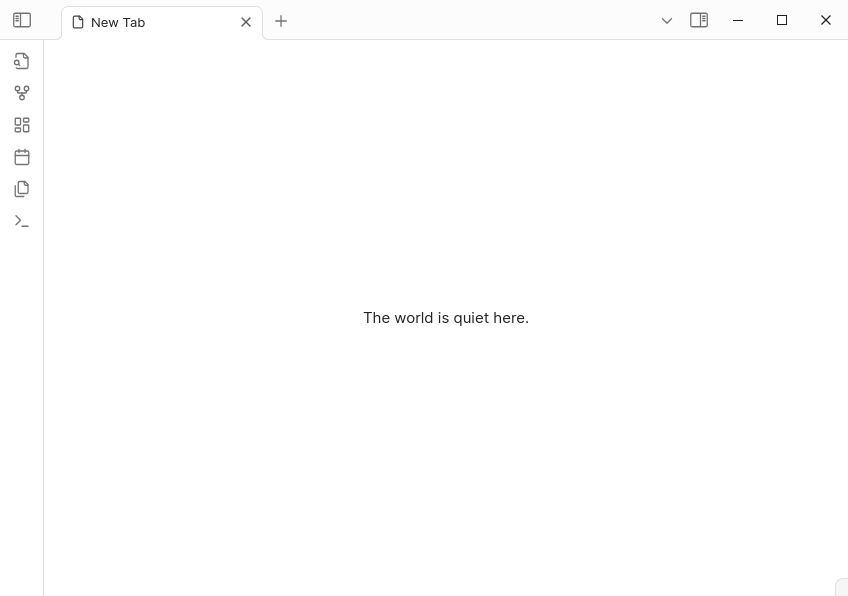
| prologue | new tab page |
| tracker | collect and visualise data from notes |
work journal
I use Obsidian at work primarily as a journal to keep track* of the things I did — tickets worked on, deployments handled, etc. A typical daily note might look like this:
- #ticket #in-progress [PROJ-123](jira_link) feature ticket
- #ticket #testing [PROJ-124](jira_link) bug
  - #merged-pr [287](github_link)
…
My tracker setup is comprised of a little dashboard page with a chart that shows me how many tickets I worked on and how quickly I finish implementations.
```tracker
searchType: tag
searchTarget: ticket, in-progress, opened-pr, merged-pr, testing
folder: dailies
datasetName: tickets, ongoing, PR, merged, testing
aspectRatio: 16:9
penalty: 0
line:
  fillGap: true
  lineColor: ['#eee', #ccc', '#ffdab9' '#fbc4ab' '#f8ad9d']
  pointColor: ['#eee', #ccc', '#ffdab9' '#fbc4ab' '#f8ad9d']
  showLegend: true
  showLine: true
  xAxisLabel: ""
  yAxisLabel: items
  yAxisLocation: left
  yAxisTickInterval: 1
  yAxisTickLabelFormat: i
  yMin: 0
```
resources
- How I use Obsidian by
Steph Ango - lichendust — a gorgeous website that uses Obsidian as a CMS
- Be Careful with Obsidian by
Hữu Phong
For development: